
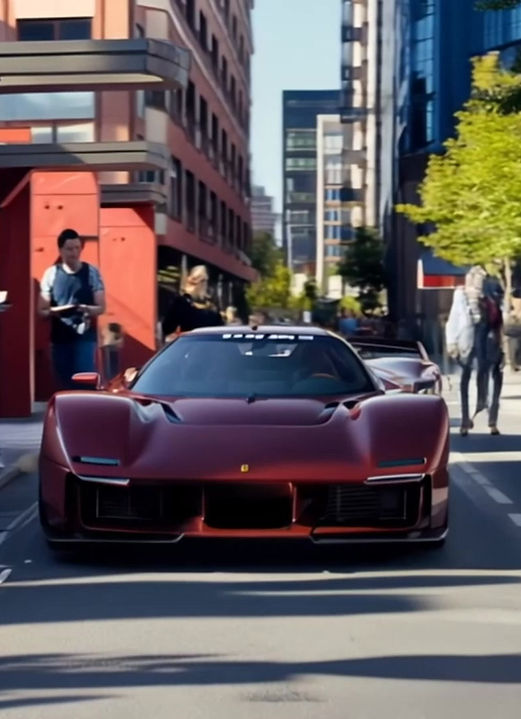

Level up your presentation.
Add motion to still images with intention.
This tutorial series shows you how to take your 2D sketches into Kling AI and turn them into animations quickly. I teach every step from beginning to end of the process including photoshop, Kling AI to Premiere Pro. Once you're done with this course you will have the confidence to create high quality animations of your 2D and 3D work which will aid you in every part of the design process.
Make your images come alive.
1 tutorial series.

So what's inside?
A structured walkthrough of how to turn still images into
controlled, intentional motion using Kling AI.
Turn still images into controlled animations
Learn how to use Kling AI to transform 2D or 3D still images into smooth, intentional animations that enhance presentation.

Generate multiple animation variations
from a single image
Understand how Kling interprets images so you can explore different motion directions and camera feels from the same source.

Create cinematic motion
from a single frame
Learn how to turn one image into a short teaser-style animation by guiding motion, perspective, and framing.

Animate 3D models without
re-rendering in 3D
Use Kling AI alongside Blender to create motion and variation from existing 3D renders without rebuilding scenes or animations.
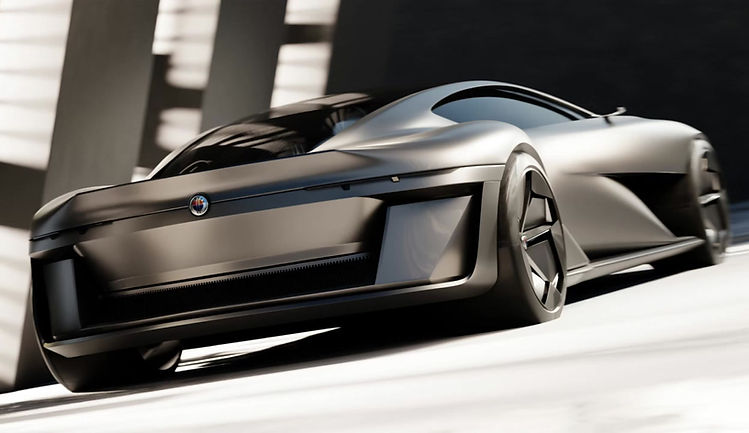
Frequently Asked Questions
Is this course beginner-friendly? Yes. You don’t need prior experience with Kling AI to follow along. The course focuses on understanding how to add motion intentionally, rather than assuming animation or AI expertise.
Will this replace traditional animation or 3D workflows? No. The course shows how Kling AI can complement existing workflows by adding motion to still images, not replace traditional animation or 3D tools.
What do I need to take this course? You’ll need access to Kling AI and at least one still image to work from. The examples include both 2D sketches and 3D renders, but the techniques apply broadly.
Is this course included in the Designer’s Bundle? Yes. AI Mastery: Kling is included in the Designer’s Bundle along with all other courses and future updates.
Who is this for?
-
Designers and artists who want to add motion to still images without diving into complex animation or 3D workflows
-
Anyone presenting 2D sketches or 3D renders who wants their work to feel more dynamic and engaging
-
Creators looking to explore animation as a presentation tool, not as a full-time animation discipline

Your instructor in the series.
I've been in the industry for 9 years and have experienced every part of both production and advanced design process.
In addition I have taught at both CCS and Art Center; both world renowned schools in transportation design.
Everything I taught in those schools is here with the added benefit of being able to rewatch any part of this course.